With the fields set up, we can now start setting the fields down on how we
want them to look when we run the program. We will be doing this by using
Database Grids and Database Navigators under the Data Controls tab.
STEP 8
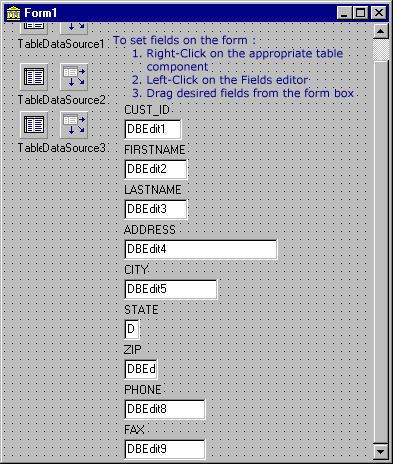
To put the fields on the background without using a grid, as our example
above shows, only takes a couple of steps. First, right click on Table1. Then
select Field Editors in the menu that comes up. Then drag the highlighed fields,
which should be all of them, to the backgroud. Now you can drag click over any
of these fields to move them where you wish.
|