STEP 7
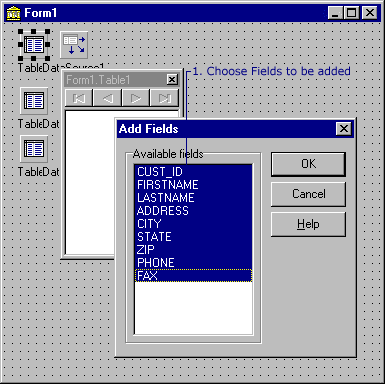
When the add fields window pops up, all the files will already be chosen. So
all we have to do is click OK.
Repeat for Table2 and Table3. Right click
on the table component, select the Field Editor from the menu, right click in
the form box, click on add fields, and then click on OK
|